
Creatify AI: review, pricing and alternatives
What is Creatify AI?
When I first heard about Creatify AI, it immediately piqued my interest as someone constantly looking for ways to streamline content creation for marketing. Launched in 2023, Creatify AI positions itself as a specialized tool for generating video ads using artificial intelligence. Its core promise is to simplify the often complex and time-consuming process of video production, making it accessible even for those without extensive video editing skills or a dedicated production team.
At its heart, Creatify AI is designed to transform various inputs—like a simple product link, a collection of images, or even just a script—into polished, short video advertisements. What truly sets it apart is its ability to integrate AI-generated avatars and voiceovers, essentially allowing you to create a complete ad without ever needing to film a single frame or hire an actor. This capability is a significant draw for marketers who need to quickly produce engaging video content.
The primary target audience for Creatify AI is, without a doubt, marketers. Whether you're running an e-commerce store, managing social media campaigns, or handling advertising for multiple clients, the tool aims to drastically cut down the time and resources typically required for video ad creation. It’s built for speed and efficiency, allowing you to generate a high volume of diverse ad creatives for testing and deployment across various digital platforms.
In essence, if you're a marketer feeling the pressure to produce more video content but are constrained by budget, time, or technical skills, Creatify AI offers a compelling solution by automating much of the heavy lifting. It's about getting your product in front of an audience with dynamic video, quickly and cost-effectively.
Key Features and Capabilities
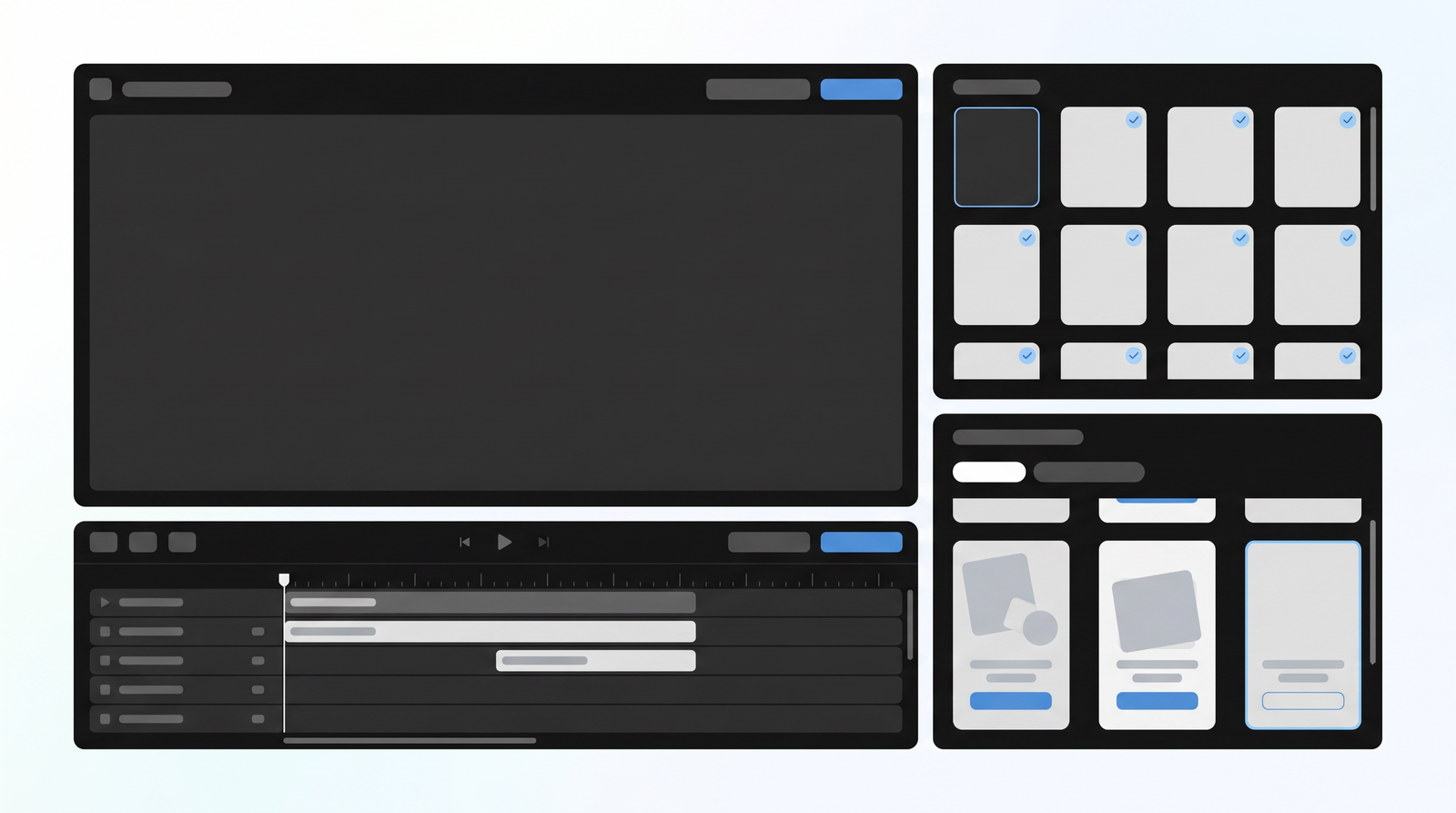
Diving into Creatify AI, I found that its dashboard is structured around several distinct tools, each tailored to a specific video creation need. The main offerings include 'AI Video Ads,' 'Avatar Video,' 'Product Video,' 'AI Shorts,' and a very useful 'Batch Mode.' These tools collectively form a powerful suite for anyone looking to generate marketing videos with minimal effort.
The 'AI Video Ads' tool is arguably the most flexible, allowing you to input product details and generate a comprehensive ad. 'Avatar Video' focuses specifically on creating videos featuring AI-generated human presenters, complete with synchronized voiceovers, which is fantastic for testimonial-style ads or direct-to-camera pitches. 'Product Video' is more geared towards showcasing products visually, often with dynamic text overlays and music, while 'AI Shorts' helps you create quick, catchy content perfectly suited for platforms like TikTok and Instagram Reels.
What truly impresses is how Creatify AI automates much of the ad generation process. You're not just getting raw footage; you're getting a nearly finished product. It handles script customization, allowing you to guide the AI on the messaging and tone, and then delivers various output formats optimized for different social media platforms. This automation means less time spent on tedious editing and more time focusing on strategy and campaign performance.
The 'Batch Mode' is a standout feature for marketers like me who need to test multiple ad variations. Instead of creating each ad individually, you can set parameters and generate several versions at once, saving an enormous amount of time. This capability is crucial for A/B testing and quickly identifying which creative resonates best with your audience, making the iterative process of ad optimization much more efficient.
How Creatify AI Works: Getting Started
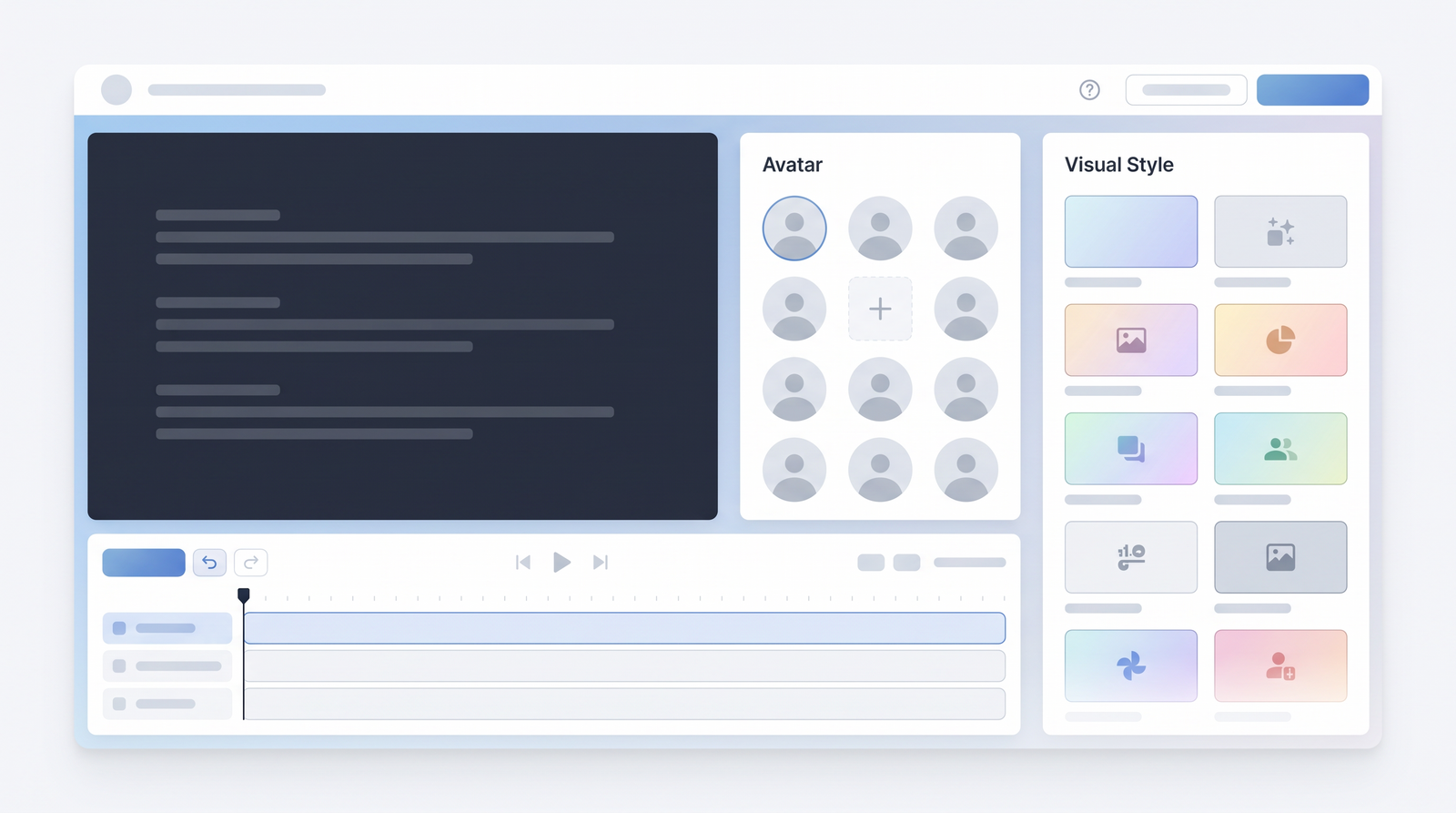
Getting started with Creatify AI is surprisingly straightforward, which is a huge plus in my book. The workflow is designed to be intuitive, guiding you through the process step-by-step. It typically begins with one of the most convenient features: simply pasting a product URL. I've used it with links from Amazon, Shopify, and even my own e-commerce site, and it consistently pulls in product details automatically.
Once you paste a product link, Creatify AI immediately gets to work, extracting key information like the product name, description, and images. This automatic data extraction saves a ton of time you'd otherwise spend manually inputting details. After the initial data pull, you're prompted to select your target platforms and desired video formats. For instance, I often opt for a 15-second vertical video for Instagram or TikTok, knowing it will be optimized for those specific channels.
The next stage involves a crucial creative input: choosing your script angles and avatar styles. You can guide the AI on the tone you want – perhaps a problem/solution angle, a benefit-driven approach, or a direct call to action. You can also select from various AI avatar styles, matching the look and feel to your brand or product. This level of customization ensures that while the process is automated, you still maintain creative direction over the ad's core message and presentation.
Finally, Creatify AI provides options for refining the generated video. You can easily edit captions, which is vital for accessibility and engagement on social media, customize the voiceover to ensure it sounds just right, and even select background music from its library. This built-in editor allows for quick tweaks without needing external software, making the entire process from product link to ready-to-post video remarkably efficient.
Pricing Plans and Credit System
When it comes to Creatify AI's pricing, you'll find a range of tiers designed to cater to different usage levels, typically spanning from about $33 to $299 per month. While the initial pricing might seem reasonable, especially for the time savings it promises, the underlying credit system is where many users, myself included, often encounter friction. It's a common point of discussion in online reviews, and for good reason.
The way Creatify AI consumes credits can feel quite rapid. For instance, a Pro plan might be advertised as generating a certain number of videos, but depending on the complexity, length, or number of variations you produce, those credits can deplete much faster than anticipated. This rapid consumption often leads to a perception that the higher-tier plans, despite their increased cost, don't always deliver the proportional value in terms of video output.
It's important to understand that every action, from generating a video to rendering different resolutions or even just previewing certain options, can deduct from your credit balance. This can be frustrating when you're in the middle of an iterative process, trying out different script angles or avatar combinations, only to find yourself unexpectedly out of credits and needing to top up or upgrade.
My advice, and what I've learned from experience, is to be mindful of how you use your credits. Plan your video generations carefully and try to finalize your creative direction before rendering multiple versions. While the tool is powerful, its credit system demands a strategic approach to avoid feeling short-changed. Here’s a general idea of how their plans might break down:
| Plan | Price (Approx.) | Best for |
|---|---|---|
| Starter | $33/month | Individuals or small businesses with occasional ad needs |
| Pro | $99/month | Growing marketers needing regular ad variations |
| Business | $299/month | Agencies or high-volume advertisers requiring extensive output |
Performance and Ease of Use
One of Creatify AI's most consistently praised aspects, and something I can wholeheartedly agree with, is its ease of use. The interface is remarkably intuitive, making the video creation process accessible even for someone with no prior video editing experience. From the moment you input your product link to selecting your final output, the platform guides you logically, simplifying what could otherwise be a complex task. This user-friendliness is a significant advantage, especially for marketers who need to move quickly and aren't necessarily video production experts.
However, when it comes to the actual video quality, my experience, and what I've observed in other reviews, is a bit more nuanced. There are instances where Creatify AI produces genuinely high-quality results—ads that look professional, feature natural-sounding voiceovers, and have perfectly synchronized visuals. These are the moments when the tool truly shines and delivers on its promise of quick, effective video ads.
On the flip side, I've also encountered situations, and seen similar feedback from others, where the video quality can be less than ideal. Phrases like 'terrible video quality' or 'lip sync off' sometimes surface in discussions, indicating an inconsistency. While it's not a constant issue, it's something to be aware of. The quality can sometimes depend heavily on the clarity and detail of the inputs you provide. If your product description is vague or your images are low resolution, the AI has less to work with, and the output might reflect that.
It’s a balance: the tool makes creation incredibly easy, but achieving consistently high-quality output often requires careful attention to your source material and detailed instructions. When you give it good inputs and clear direction, Creatify AI is capable of generating polished, ready-to-use ads. But if you expect it to work magic from minimal information, you might occasionally be disappointed by the final render.
Pros of Creatify AI
Having spent a good amount of time with Creatify AI, I can confidently point to several areas where it truly excels and delivers significant value, especially for marketers. The most immediate and impactful benefit is the sheer speed of video creation. I've often been able to go from a product link to a complete video ad in under 10 minutes, which is an absolute game-changer compared to traditional video production timelines.
This rapid turnaround directly translates into eliminating the need for dedicated video editors or even copywriters for basic ad scripts. Creatify AI automates these roles, providing a cost-effective solution for businesses that don't have the resources for an in-house creative team. It democratizes video ad creation, putting powerful tools into the hands of anyone who needs to market a product.
Another major advantage is the ability to generate multiple ad variations quickly. For anyone involved in digital advertising, you know the importance of A/B testing different creatives to see what resonates best with your audience. Creatify AI's batch mode and easy customization options make it incredibly simple to produce several versions of an ad, each with a slightly different angle, avatar, or call to action, all ready for testing.
Finally, the user-friendliness of the platform is a massive plus. Its intuitive interface means there's a very low barrier to entry, allowing marketers to focus on strategy rather than getting bogged down in technical complexities. The automated scriptwriting feature further enhances this, providing a solid starting point for your ad copy that you can then easily refine. This combination of speed, cost-effectiveness, and ease of use makes Creatify AI a compelling tool for quick, iterative ad content.
Cons of Creatify AI
While Creatify AI offers considerable advantages, it's not without its drawbacks, and it's important to be realistic about its limitations. The most prominent issue, and one that frequently comes up in user feedback, is the rapid consumption of credits. As I mentioned earlier, even on higher-tier plans, credits can deplete surprisingly fast, leading to unexpected costs or limitations on output. This can be a significant point of frustration, especially when you're experimenting with different versions.
Another common complaint I've observed and occasionally experienced myself is inconsistent video quality. While Creatify AI can produce excellent results, there are times when the output falls short. This might manifest as 'terrible video quality' in some instances, or perhaps more frequently, issues with 'lip sync off' where the avatar's mouth movements don't perfectly match the voiceover. These inconsistencies can undermine the professional look of an ad and require additional tweaking or re-rendering, consuming more credits and time.
Creatify AI also has limitations when it comes to deep creative control. If you're looking for advanced video editing capabilities, intricate animations, or highly customized visual effects, this tool might feel restrictive. It's designed for efficiency and automation, not for granular creative direction. You can guide the AI, but you can't manipulate every pixel or frame with the precision of a dedicated video editor.
Finally, to get the best results from Creatify AI, you often need to provide very detailed and clear inputs. If your product descriptions are vague or your instructions are unclear, the AI's output might feel generic or 'flat.' It requires a good starting point to shine, and expecting it to generate a brilliant ad from minimal information can lead to disappointment. It's a tool that amplifies good input, but struggles with poor or insufficient data.
Who is Creatify AI Best For?
After using Creatify AI and observing its strengths and weaknesses, I've come to a clear understanding of who stands to benefit most from this tool. Essentially, Creatify AI is tailor-made for marketers who need to quickly generate and test a high volume of video ad variations, particularly for dynamic social media platforms like TikTok and Instagram. If your strategy relies on rapid iteration and A/B testing different creatives, Creatify AI can be an invaluable asset.
It's also an excellent solution for businesses or individual entrepreneurs who lack in-house video production resources. If you don't have a video editor, camera equipment, or even the time to script and record voiceovers, Creatify AI fills that gap. It allows you to produce professional-looking video ads without the traditional overheads, making video marketing accessible to a much broader audience.
Specifically, if your primary goal is rapid product video creation from existing URLs, Creatify AI shines. E-commerce businesses, dropshippers, or anyone launching new products frequently will find its ability to turn a product page into an ad in minutes incredibly powerful. It accelerates the go-to-market process for video content, enabling you to capitalize on trends and campaigns quickly.
In short, if you're looking for a tool that prioritizes speed, cost-effectiveness, and ease of use in generating short-form, product-centric video ads for social media testing, Creatify AI is probably a good fit. It’s for those who value getting content out fast and iterating based on performance, rather than spending weeks on a single, highly polished production.
Creatify AI vs. Alternatives
When you start exploring the landscape of AI video creation tools, you'll quickly realize it's a crowded space. Platforms like InVideo, HeyGen, and Synthesys AI are prominent, each offering their own unique strengths. However, Creatify AI carves out a very specific niche that differentiates it from many of these broader AI video platforms. Its core strength lies in its specialized focus on product-link-to-video ad generation.
Many alternatives, while offering impressive AI avatar capabilities or extensive video editing features, often require more manual input or are designed for more general-purpose video creation. For example, a tool like HeyGen excels at creating talking head videos with highly realistic avatars, which is fantastic for corporate communications or educational content. InVideo, on the other hand, provides a robust suite of templates and editing tools for various video types, but it's less automated for ad generation from product links.
Creatify AI's specific strength is its streamlined workflow for e-commerce marketers. The ability to paste a product URL and have the AI automate much of the ad creation process is a unique selling point. This makes it incredibly efficient for generating a high volume of product-focused ads for platforms like TikTok and Instagram, where rapid content creation and testing are paramount.
Where Creatify AI might show weakness compared to broader platforms is in its depth of creative control for non-ad content or highly customized productions. If you need fine-tuned animation, complex scene compositions, or extremely realistic custom avatars for diverse use cases beyond product ads, you might find other tools offer more flexibility. However, for its intended purpose of fast, product-centric video ads, it stands out. You can see how it stacks up against alternatives on Top10k to get a broader perspective on the AI video tool market.
Verdict: Is Creatify AI Worth It in 2026?
So, after putting Creatify AI through its paces, the big question remains: is it worth investing in, especially looking ahead to 2026? My balanced conclusion is that Creatify AI holds significant value for a specific type of user, but it's crucial to go in with clear expectations regarding its benefits and drawbacks.
Its primary strength, and what makes it genuinely compelling, is its ability to facilitate extremely quick ad creation. For marketers who need to rapidly generate and test multiple video ad variations for social media, particularly from product links, Creatify AI is a powerful tool. It drastically cuts down on production time and costs, making video marketing accessible without needing a full-blown production team. This efficiency for quick, iterative ad content is its standout feature.
However, you must weigh these benefits against its current drawbacks. The credit system can be a source of frustration, as credits are consumed quite rapidly, potentially leading to higher costs than initially anticipated. Furthermore, while it can produce high-quality videos, there's an acknowledged inconsistency in output, with occasional issues like 'terrible video quality' or 'lip sync off.' Achieving good results often demands detailed and clear inputs, meaning it's not a magic bullet that works perfectly with minimal effort.
Ultimately, my recommendation is this: Creatify AI is worth it in 2026 if your core need is rapid, product-focused video ad generation for social media testing, and you are prepared to manage your credit usage strategically and provide clear inputs. If you prioritize speed, cost-effectiveness, and high-volume testing over deep creative control or absolute consistency in every single output, then Creatify AI can be a valuable addition to your marketing toolkit. If you're seeking a tool for highly bespoke, consistently flawless video productions with granular control, you might find yourself looking elsewhere.
Full profile and live ranking: https://top10k.com/ai/creatify-ai
Published by

Top10k Tools operates as a browser-based toolkit featuring a growing library of browser-based utilities designed to simplify everyday tasks.
It spans everything from SEO and coding to file converters, image tools, and handy calculators. All tools are free and browser-based, with no sign-up required to start.
The long-term vision is building 10,000 free mini tools that solve real problems.
Whether you're a marketer, developer, student, or business owner, you'll find utilities that save time. Give it a try.
Frequently asked questions
Is there a free trial for Creatify AI?
Creatify AI typically offers a free trial or a free plan with limited credits, allowing new users to test its core functionalities. This is a great way to experience the platform and understand its workflow before committing to a paid subscription.
How does Creatify AI's credit system work?
Creatify AI operates on a credit-based system where various actions, such as generating a video, rendering in different formats, or even some previews, consume credits. Users often report that credits deplete quickly, so it's important to monitor usage to avoid unexpected costs.
What kind of video quality can I expect from Creatify AI?
Video quality from Creatify AI can be quite good, especially when provided with clear and detailed inputs like high-resolution images and well-written scripts. However, there can be inconsistencies, with some users reporting issues like 'terrible video quality' or 'lip sync off' in certain outputs.
Can Creatify AI create long-form videos?
Creatify AI is primarily designed for generating short-form video ads, typically under a minute, optimized for social media platforms like TikTok and Instagram. It is not built for creating long-form content such as documentaries, tutorials, or extended promotional videos.
Is Creatify AI suitable for beginners?
Yes, Creatify AI is highly suitable for beginners due to its intuitive and user-friendly interface. It automates much of the complex video creation process, guiding users step-by-step from inputting product links to generating final video ads, making it accessible even without prior video editing experience.
How does Creatify AI compare to other AI video tools like HeyGen?
Creatify AI differentiates itself by specializing in rapid product-link-to-video ad generation, making it ideal for e-commerce marketers. While tools like HeyGen excel at creating realistic AI avatar videos for broader applications like corporate communications, Creatify AI focuses on speed and volume for short, product-centric advertisements.
Is Creatify AI worth the cost?
Creatify AI can be worth the cost if your marketing strategy requires quickly generating and testing a high volume of product-focused video ads for social media. Its value lies in saving time and resources compared to traditional video production, provided you manage its credit system effectively and provide quality inputs.
What are the best use cases for Creatify AI?
The best use cases for Creatify AI include generating numerous ad variations for A/B testing on platforms like TikTok and Instagram, creating quick product showcase videos from e-commerce links, and producing marketing content for businesses without in-house video production capabilities.